Period-based review
Choose a term, quarter, semester, or custom date range without changing the underlying learning record.
Evidence-based homeschool progress reports
A useful progress report explains what changed, what evidence supports that conclusion, and what the family plans to do next. Storianna keeps those statements connected to selected records so the final report can be reviewed instead of assembled from scattered notes and memory.
Start free. No credit card required.
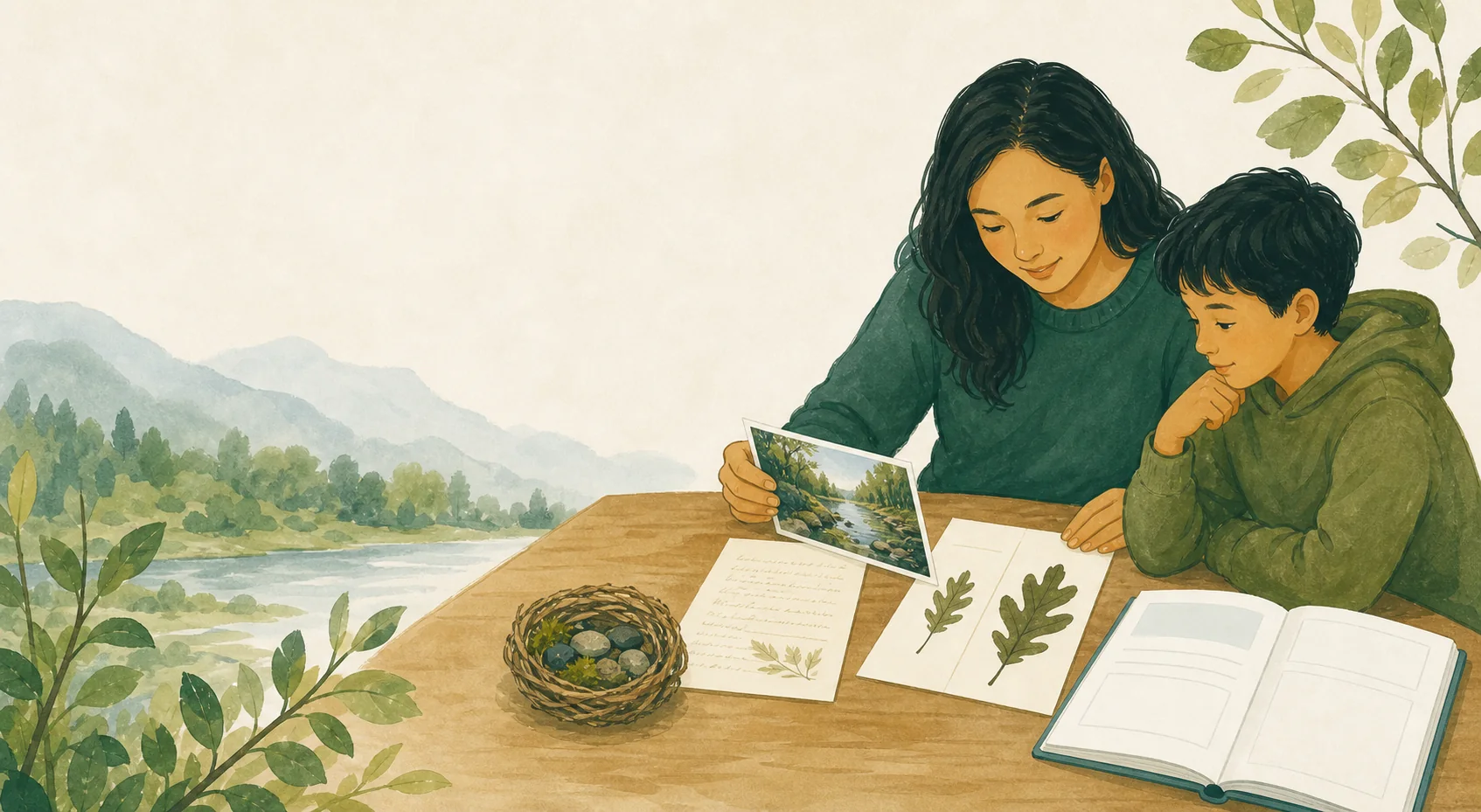
Daily logs, photographs, reading, projects, attendance, and assessment notes often live in different places. When a family wants a summary, they either include everything or rely on general impressions. Storianna helps an adult choose a period and learner, curate representative evidence, and preserve the sources behind each saved version.
Choose a term, quarter, semester, or custom date range without changing the underlying learning record.
Select work that demonstrates change, range, persistence, or application instead of copying the complete archive.
Use factual summaries, subject sections, attendance context, and selected artifacts according to the report’s purpose.
An authorized adult reviews every statement before finalization, and later corrections create a new version rather than rewriting history.
Source-linked reporting workflow
Optional drafting is designed around confirmed records and visible source links. Adults decide which evidence belongs, correct the wording, and confirm what becomes part of the report.
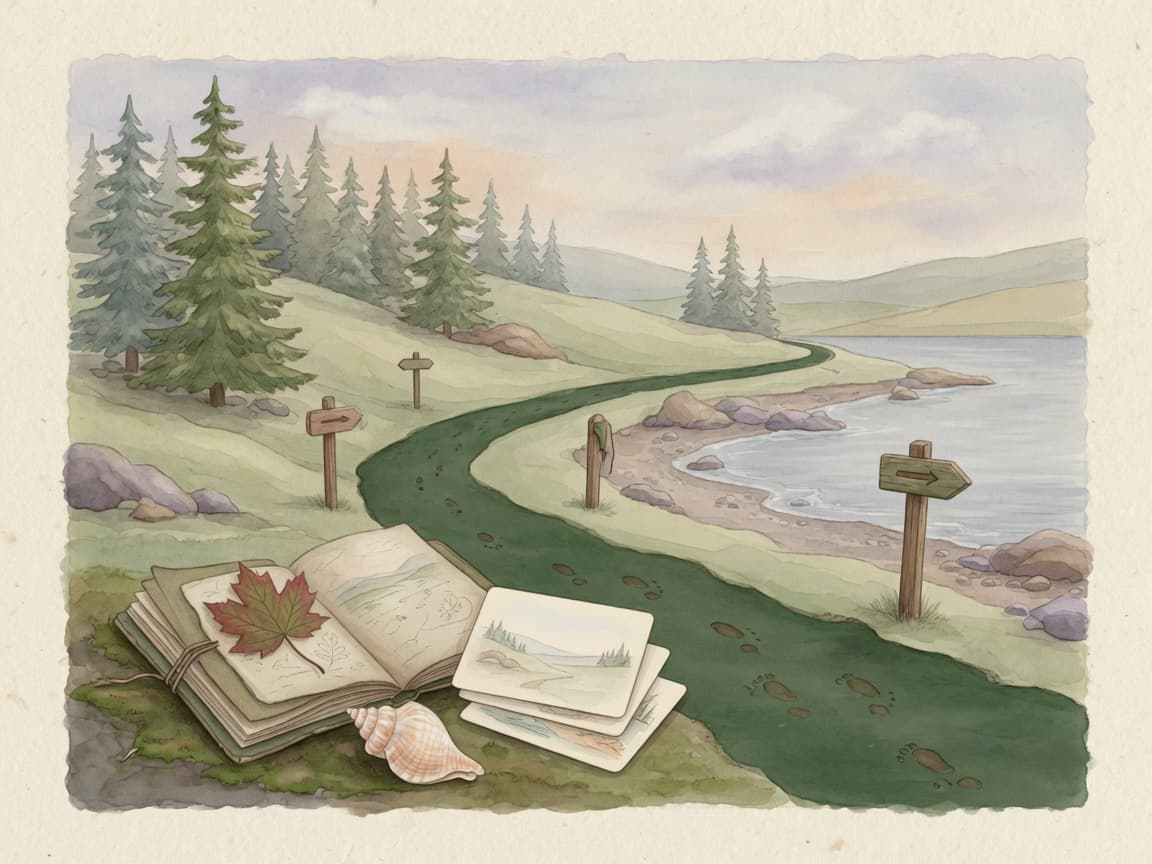
Choose the learner, reporting period, purpose, and intended audience.
Curate representative records and check that each source is current.
Write or review each section without turning an inference into a fact.
Create a versioned output and export or share only what the audience needs.
Storianna may help organize confirmed evidence or draft optional language, but it does not autonomously judge progress, diagnose a learner, calculate authoritative grades, or decide that a report meets local requirements. Private parent notes remain separate and excluded by default.
Storianna helps organize family learning records. It does not provide legal advice or guarantee that a record will satisfy a particular authority.
PrivacyThe contents depend on its purpose and applicable requirements. Common sections include the reporting period, subjects or learning areas, concise progress observations, representative evidence, reading or projects, attendance context where relevant, and next steps.
Not necessarily. A progress report may use narrative observations and evidence, while a report card often emphasizes grades or ratings. Storianna keeps formal grading optional and does not convert missing work into a zero unless an adult explicitly configures that rule.
You can create and edit reports manually. Optional AI may draft language from selected confirmed sources when consent, access, and allowance permit, but an authorized adult must review and approve every statement in the family record.
Keep homeschool learning logs, photos, attendance, reports, and course records connected in one private, adult-reviewed system.
Collect homeschool work samples, photos, reflections, projects, and progress over time, then curate a private digital portfolio for review or export.
Track homeschool attendance, learning days, and optional hours for multiple learners without treating missed app activity as an absence or a legal conclusion.
Plan lessons, keep a flexible next-up queue, record spontaneous learning, and connect completed work to homeschool records in one private app.
Create a free household workspace, add only the learners and information you choose, and upgrade later only if the added capacity or advanced records are valuable to you.